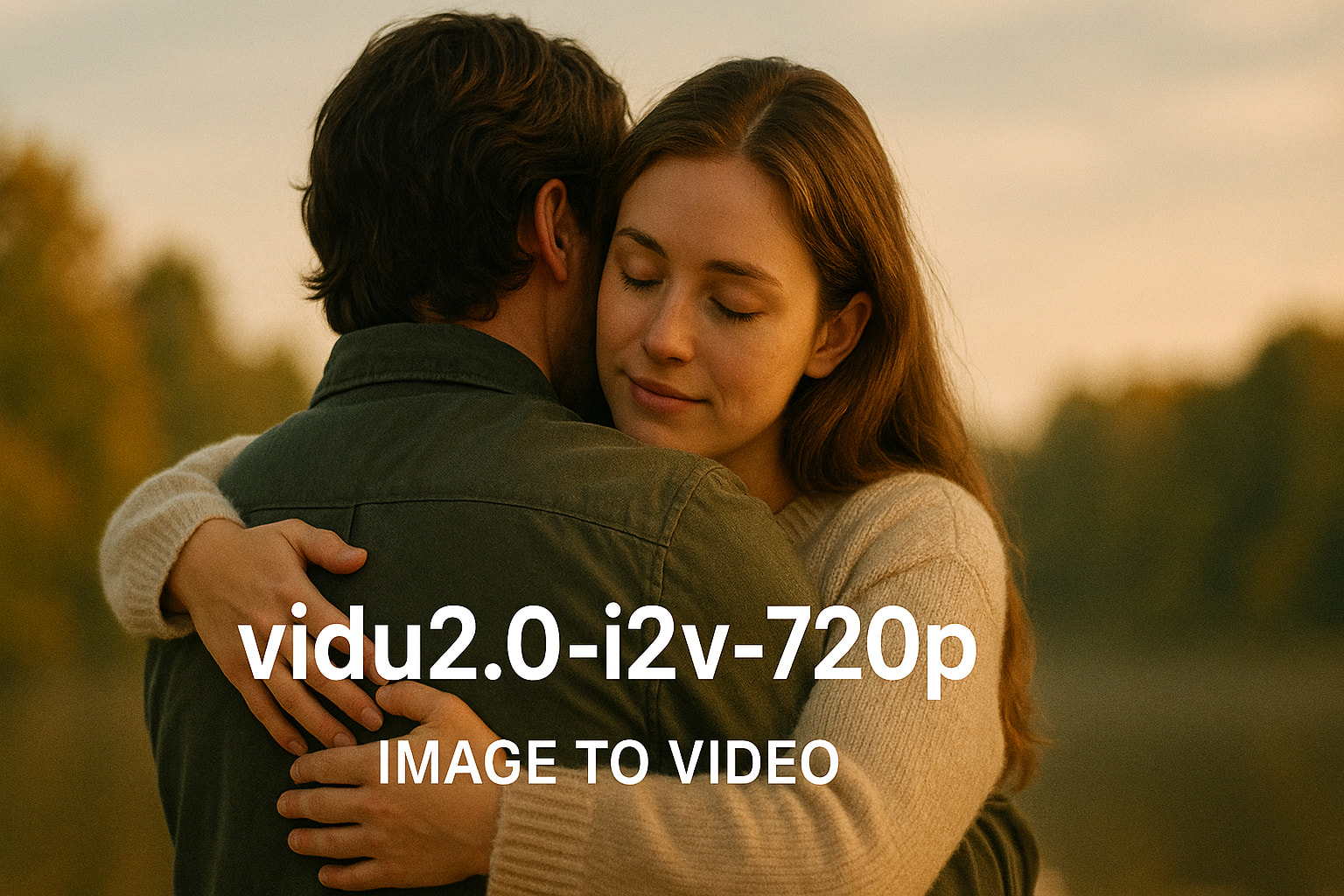
Vidu Video Generator — make short videos from text or an image

Vidu Video Generator — make short videos from text or an image

Turn a prompt or a single image into a short 720p clip in a simple, predictable way.

Vidu Video Generation

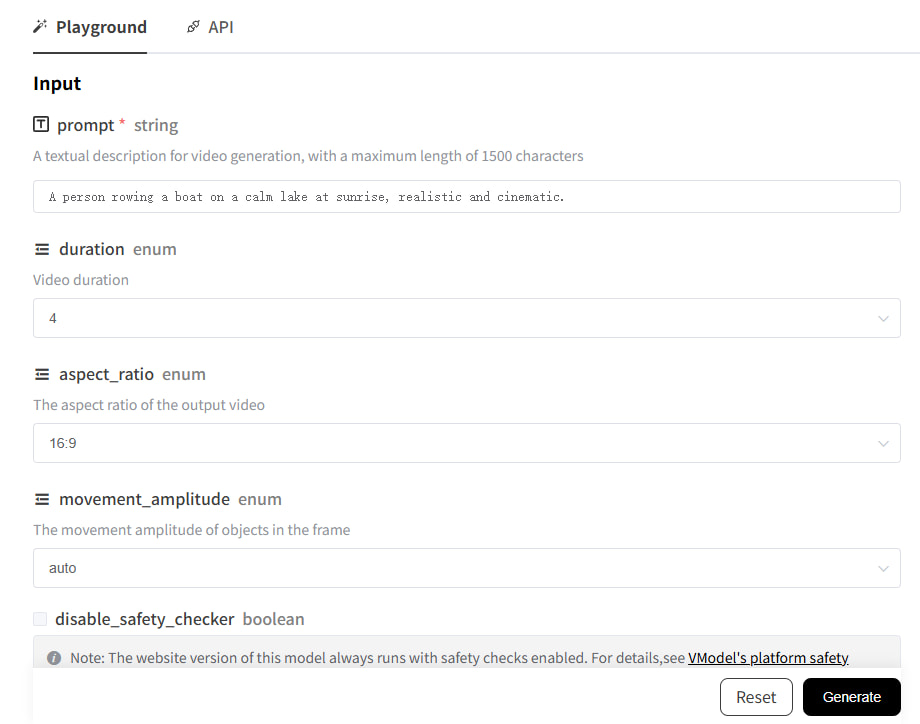
Vidu Video Generator lets you create a short video from text (T2V) or from a single image (I2V). Choose the aspect ratio, set the length to 4s or 8s, and adjust how much movement you want. Create a task and then check the result by its ID. The Vidu API uses clear JSON so it’s straightforward to integrate. By default, safety checks are on.
  • Two modes in one place: Text‑to‑Video (T2V) and Image‑to‑Video (I2V)
  • 720p output suitable for social posts, pages, and quick previews
  • Aspect ratios for common placements: 1:1, 16:9, and 9:16
  • Simple 4s / 8s length presets
  • Create a task and poll for status via the Vidu API

Available Versions:

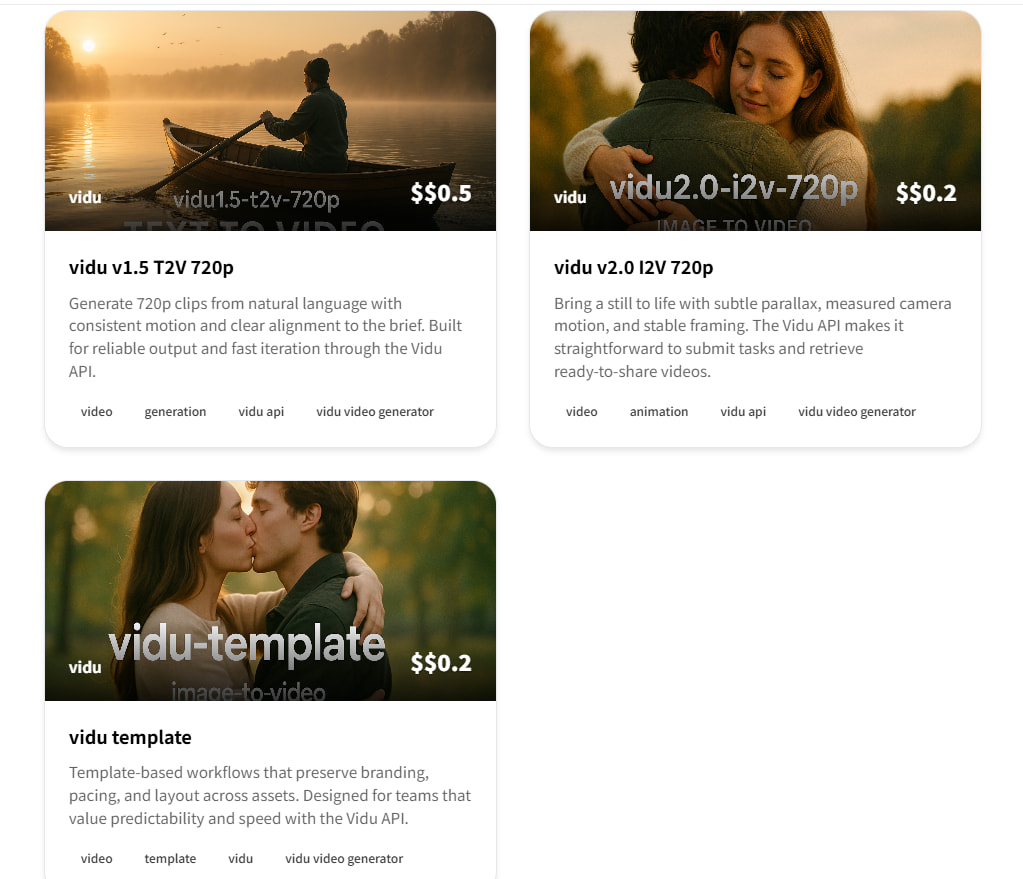
vidu1.5-t2v-720p standard

- Text-to-Video at 720p

- $0.5 for 4s or $1.0 for 8s

- A practical default for quick previews and social clips

vidu2.0-i2v-720p pro

- Image-to-Video at 720p

- $0.20 for 4s or $0.50 for 8s

- Animate a single image with natural, gentle motion

vidu-template standard

- Template‑driven generation

- Pricing depends on template and duration (~$0.20–$0.70/use)

- Useful for repeated formats with a consistent look

What is Vidu Video Generator?

A simple way to turn ideas into short motion, powered by the Vidu API

Vidu Video Generator makes short clips from either a text prompt or a single image. It focuses on clear subjects and steady motion so results are easy to watch and reuse. With the Vidu API, you create a task, wait for it to finish, and then download the asset. The parameters are straightforward, and responses are predictable.

🎬

Two modes

Use T2V for text prompts or I2V when you have a reference image.

Quick cycles

4s and 8s clips keep the process fast and feedback simple.

🖼️

720p output

Good for social channels and product use without heavy files.

🎛️

Clear controls

Choose aspect_ratio, duration, movement_amplitude, and safety settings.

🔌

API first

Plain JSON requests and responses that are easy to integrate.

T2V / I2V
Modes
Pick the path that fits your input
720p
Resolution
Sharp enough for everyday placements
4s / 8s
Lengths
Short clips that are quick to review
API
Integration
Create tasks and check status by ID

Why choose Vidu Video Generator?

Steady results, simple controls, and a clear API flow

🎯

Follows your prompt

The output stays close to what you describe, so direction is easy to keep.

Prompt alignment
🧠

Smooth motion

Movement looks steady, which helps the video feel natural.

Comfortable to watch
🚀

Fast to try

Short clips help you test, adjust, and move on quickly.

Quick iteration
🔌

Straightforward API

Parameters are simple, and responses are predictable.

Easy integration
🎨

Adjustable movement

Use movement_amplitude to pick subtle or more active motion.

Direct control

How to use Vidu Video Generator

From request to download with a few clear steps

1
Choose T2V or I2V

Choose T2V or I2V

Write a clear text prompt for T2V, or provide one image for I2V.

2
Set parameters

Set parameters

Pick aspect_ratio (16:9, 9:16, 1:1), duration (4 or 8), and movement_amplitude.

3
Generate and download

Generate and download

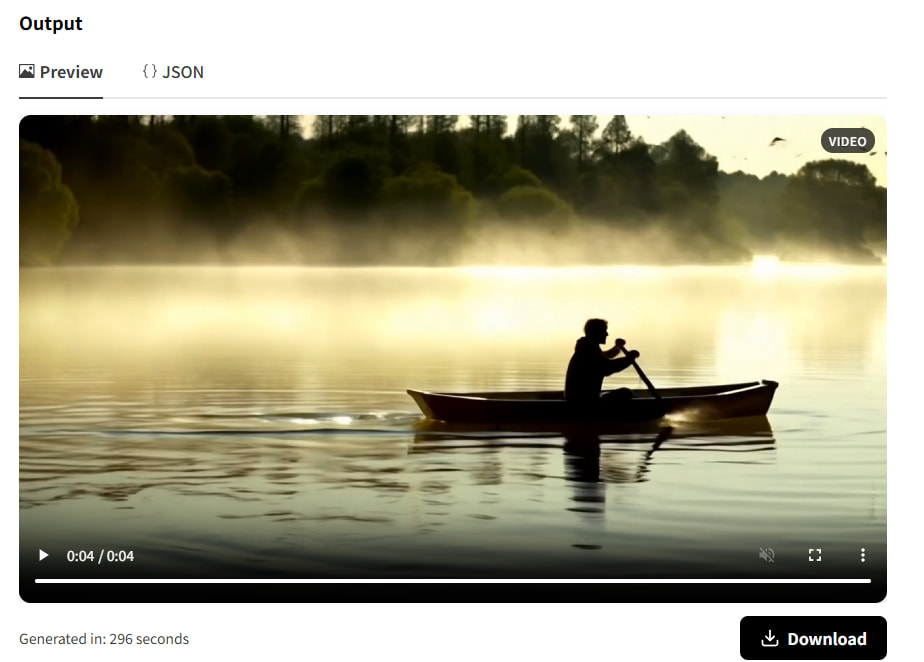
Submit, check the preview, adjust if needed, and download the final video.

Use cases

Common scenarios where short clips work well

🛍️

E‑commerce product showcases

Turn product details and hero images into short highlights for product pages and social.

Rotating product hero

Show materials and key angles in a 4s/8s loop that’s easy to review.

Prompt: "Minimal studio, soft rim light, slow 360 spin, macro detail."
Result: A clean loop with consistent framing created via the Vidu API.
E‑commerce product showcases
🧑‍🏫

Corporate training & onboarding

Turn short scripts into simple explainers that are easy to follow.

Policy explainer snippet

Keep the subject clear and the motion steady to help retention.

Prompt: "Neutral background, centered subject, calm motion, high readability."
Result: A concise clip that fits learning portals and internal hubs.
Corporate training & onboarding
🏠

Real estate previews

Give a quick feel for space, light, and mood in a short video.

Living room walkthrough

Highlight layout and focal points without heavy effects.

Prompt: "Natural daylight, slow dolly‑in, warm tones, subtle parallax."
Result: An inviting clip with readable exposure and steady motion.
Real estate previews
🌍

Travel & destination teasers

Capture a place and mood in a format that works on mobile.

City sunrise teaser

Use motion and color to set the scene quickly.

Prompt: "Golden hour skyline, gentle camera rise, crisp contrast."
Result: A balanced clip ready for social and landing pages.
Travel & destination teasers

Who benefits

Creators, marketers, educators, and developers using the Vidu API

📱

Content teams

A steady way to move from idea to a short, share‑ready clip.

Key Benefits:

  • Multiple aspect ratios to match different platforms
  • Clear subjects and steady motion
  • Web UI for quick checks, Vidu API for integration
  • Tight feedback loops for copy, timing, and visuals
Use Case: Social teasers, intros, and short narrative beats.
📢

Marketers & advertisers

Clips that fit common specs and are easy to schedule.

Key Benefits:

  • 720p assets that look consistent across placements
  • Prompt‑led direction with quick updates
  • Create tasks via API and track status
Use Case: Ad variations, product highlights, and announcements.
🎓

Educators

Short visuals that support clear explanations.

Key Benefits:

  • Consistent look and pacing across a series
  • Repeatable settings for similar lessons
  • Create one task per request via the API
Use Case: Explainers, short lessons, and visual notes.
💻

Developers & platforms

Embed creation into your app with a simple API flow.

Key Benefits:

  • Straightforward JSON requests and responses
  • Poll by task_id to check progress
  • Clear parameters that fit common needs
Use Case: Creative tools, UGC platforms, and media services.

What teams say

Consistent output and a simple API

Sofia Rossi

Sofia Rossi

E‑commerce Developer

Mercato Labs

"We generate product clips on schedule. The look stays consistent, which keeps our pages tidy."
Tom Becker

Tom Becker

L&D Manager

Northbridge Corp

"Short cycles make it easy to ship training modules. The clips are clear and steady."
Priya Singh

Priya Singh

Real Estate Agent

UrbanNest Realty

"Neighborhood and interior teasers feel natural. Clients quickly get a sense of space."
Carlos Rivera

Carlos Rivera

Marketing Director

BrightWave

"Prompt‑led stories with predictable timing fit our timelines, and the API is easy to manage."
Hannah Kim

Hannah Kim

Product Manager

StudioNova

"Results are reliable, and parameters are clear. We test ideas quickly and ship the same day."
Jing Li

Jing Li

Content Producer

FrameWorks

"From a draft to a ready‑to‑share clip in one pass. The look stays consistent across a campaign."

FAQs

Models, pricing, and how to use the API